Focus mode: a distraction-free page
Some days you want every tool within reach; other days you just want the page. Chaptery clears the panels away in a single click, and brings them back just as fast.
Focus Mode: the panels step aside
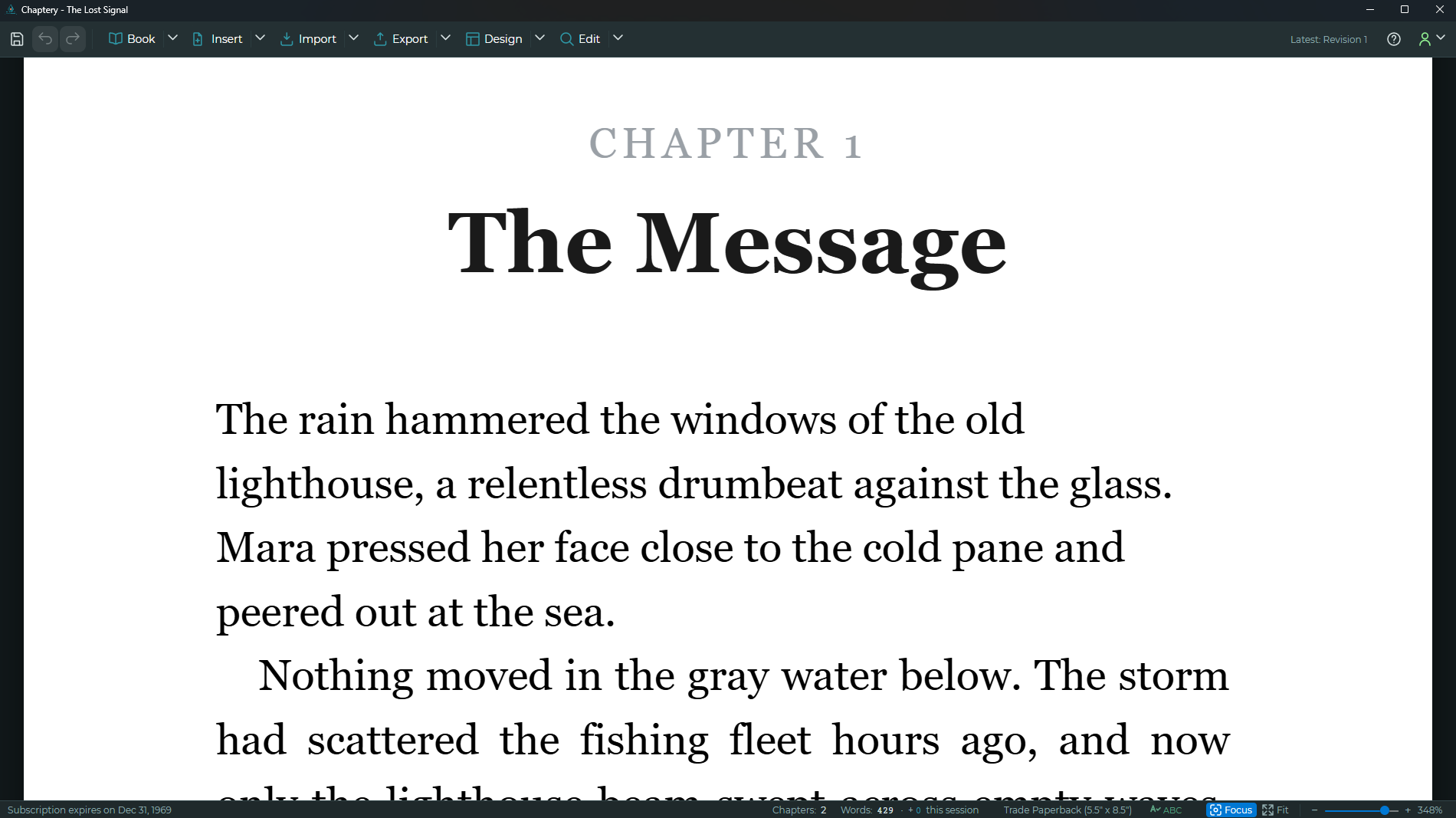
Click Focus in the status bar at the bottom of the window, or choose View ▸ Focus Mode. It stays highlighted while it's on. Chaptery closes the Outline and the side panel, so your manuscript sits front and center with only the toolbar and status bar around it. Click it again and your workspace comes back exactly as you left it.
Or hide just what you're not using
Prefer to keep a tool or two? Chaptery's panels live in the Workspace bar: Outline, Scenes, Notes, the Assistant, and more. Each one opens and closes on its own, so you can pare the screen down to exactly what you need without going all the way into Focus Mode.
Keep an eye on your word count
The status bar keeps your total word count and the words you've written this session in view at all times, so progress is always a glance away, even in Focus Mode.
Size the page to taste
Use the zoom controls at the bottom of the page: zoom in for comfortable reading, out to see more at once, or Fit to width to snap the page to the window.
Just write. It saves itself
You never stop to save. Chaptery autosaves as you go, and while you're signed in your draft backs up to your cloud Bookshelf automatically, so a clear page never means risky work.