Locations & events
People don't exist in a vacuum. Locations are the places your story happens; events are the things that happen in them. Both are first-class parts of your world, and both connect to your cast.
Add a location or event
Click Add and open the more-types menu to choose Location or Event. Each one takes a name, a description, and an optional image, just like a character. Add a place your story visits, or a turning point that reshapes it: a coronation, a betrayal, a fire.
Connect them to your world
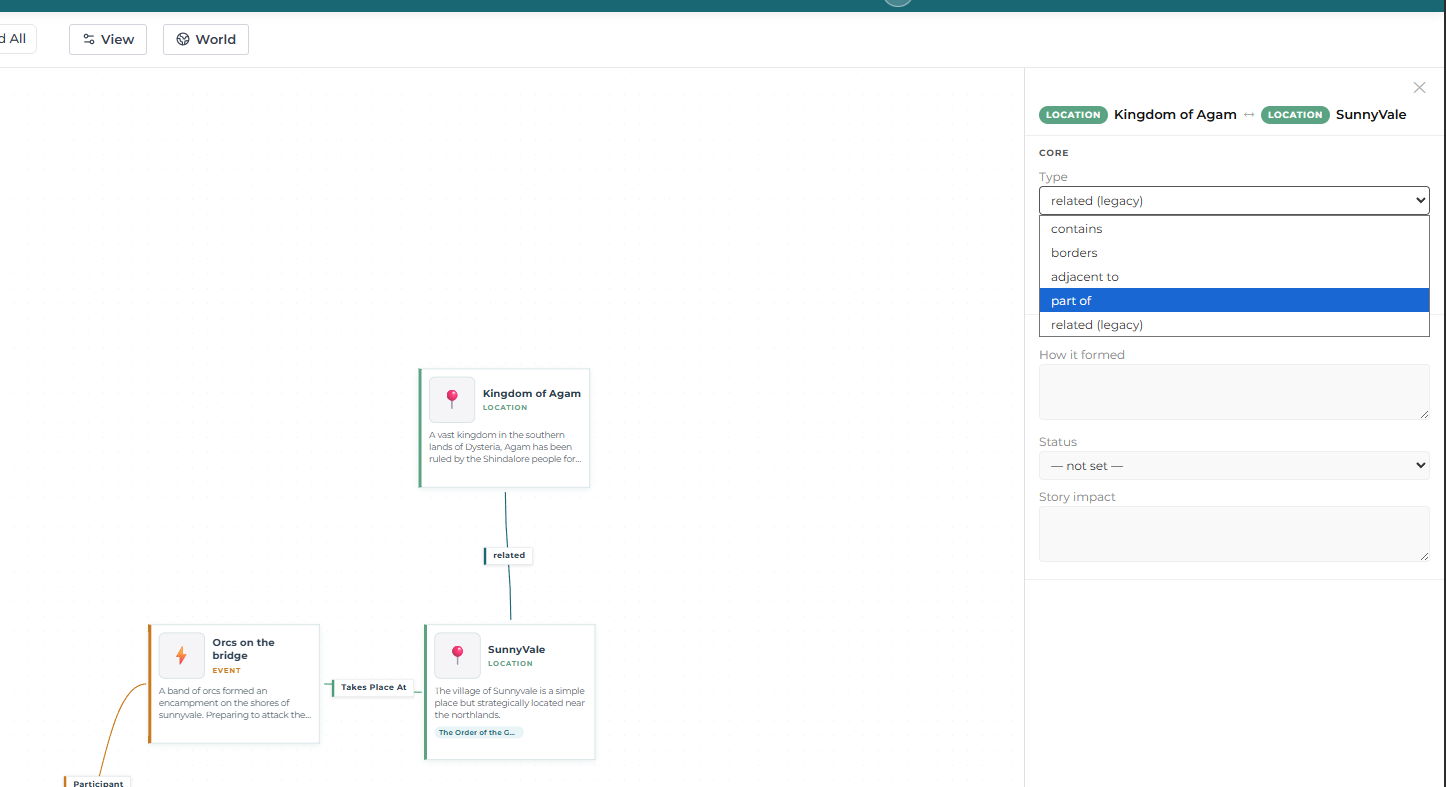
Locations and events earn their keep on the relationship map. Connect a character to a place (*lives at, works at, fled from*) or to an event (*witnessed, caused, was there for*). Places and events connect to each other too, so cause and effect line up across your story.
How it fits together
Characters, locations, and events are the three building blocks of your world, and the relationship map is where they meet. Each type gets its own node colour, so even a busy board stays readable. See How to build worlds.